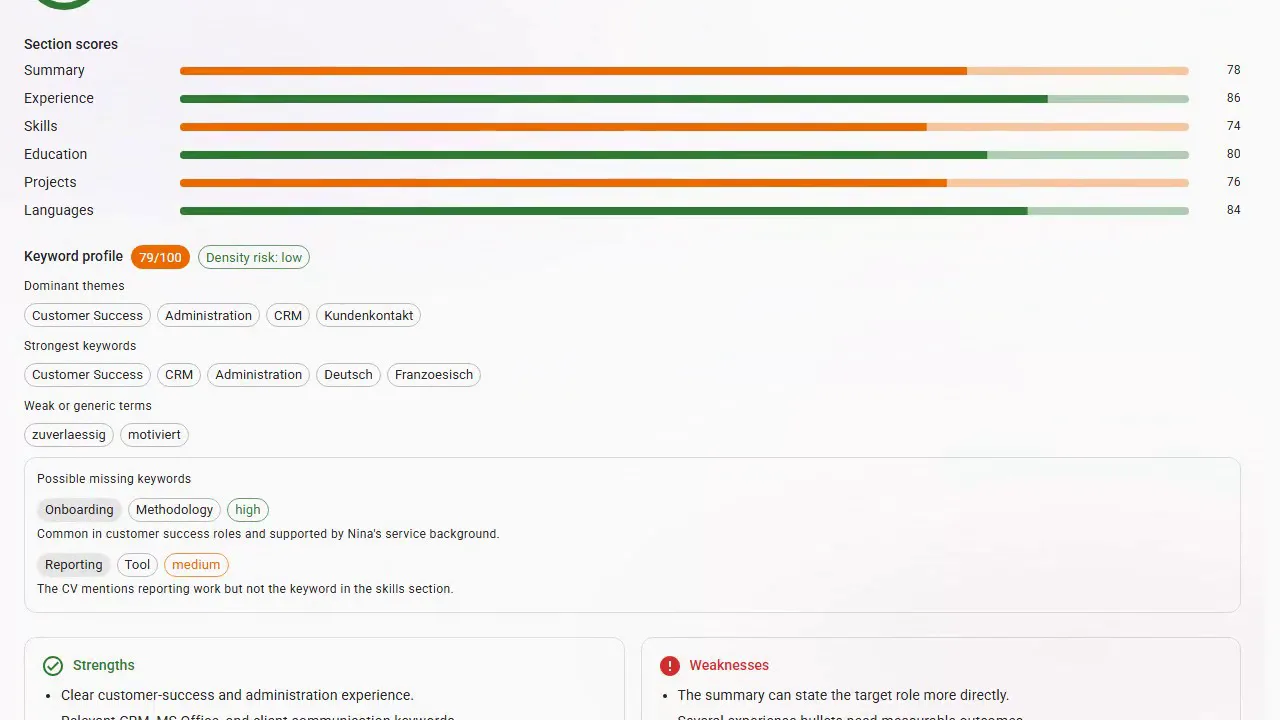
CV Health — a score out of 100
Your CV is scored against ATS rules and recruiter practice, section by section, with your strengths, your weaknesses and a ranked list of what to fix first. Re-run it after every edit.
Before a person reads your CV, software sorts it.
Upload the CV you have or start from a ready profile. Editing and exporting as PDF is free, on every account.
No credit card required · Building and exporting your CV is free on every account
Upload your existing CV as a PDF or Word file and it is read into structured, editable sections — nothing to retype. No CV yet? Start from one of 15 ready career profiles, which costs no credits.
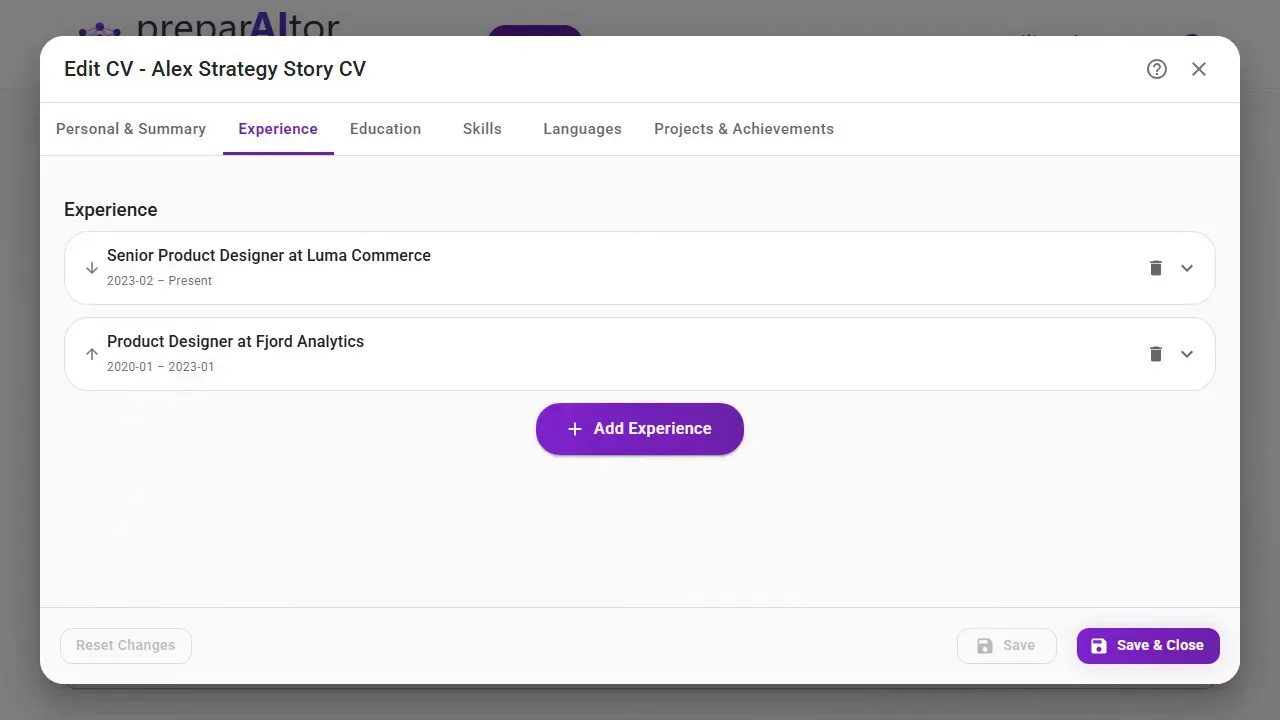
Pick from 13 template layouts and 8 colour palettes, drag whole sections into the order that suits your story, and watch a live A4 preview update as you type. The editor stays deliberately simple — plain fields, no layout fiddling.
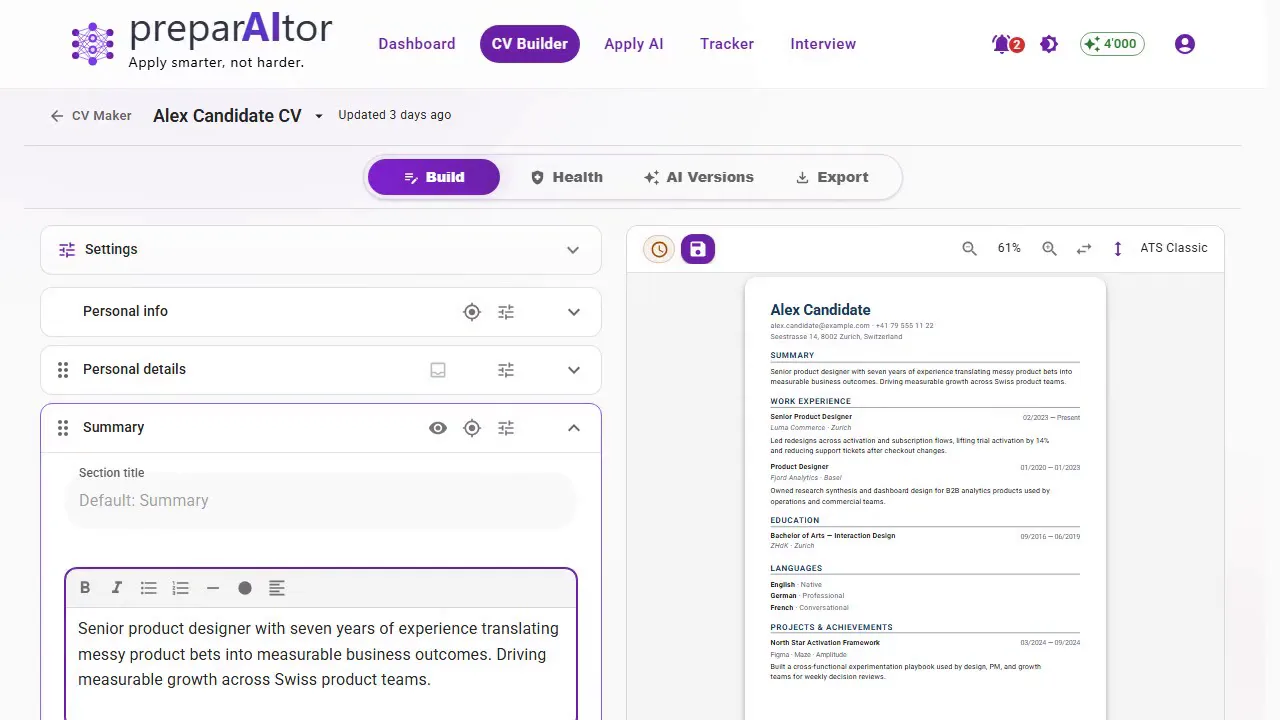
Download an ATS-readable PDF on every account, as often as you like — exporting your CV costs no credits, and the PDF carries no watermark, on every account.
Not just a form that lays out text. These are the AI tools that work on the content itself.
Your CV is scored against ATS rules and recruiter practice, section by section, with your strengths, your weaknesses and a ranked list of what to fix first. Re-run it after every edit.
Point it at a posting and it aligns your CV to that role: which keywords are missing, what to rephrase, and every proposed change shown one by one to accept or reject. One-click undo, and the full history is kept.
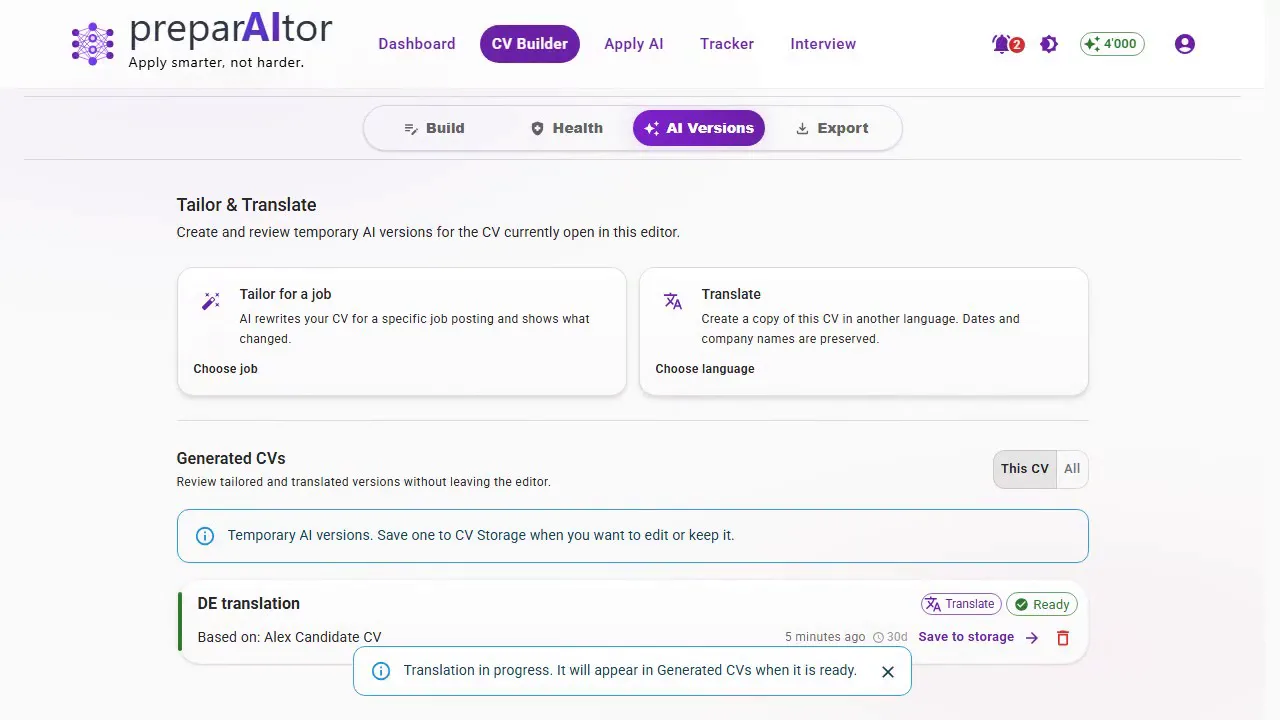
German, French, Italian and English, with the layout and formatting preserved. Useful in a country where the right language depends on which canton the job is in.
Click any bullet or summary and get three alternative rewrites. Keep the one you like, or discard all three and keep your own. Nothing changes without you accepting it.
From a plain ATS-safe classic to a two-column sidebar, a timeline or an editorial layout. Reorder whole sections by dragging them, switch template or palette at any time, and the same content re-flows — you never rewrite anything to change the look.
Point your CV at a posting and get the gap: what is missing, what is thin, whether this is worth applying for at all. It costs a tenth of a generation on purpose, because the decision it informs is whether to run one.
Writing, editing, restyling and exporting your CV cost nothing, on every account. Only the AI tools above spend credits — and a free run of each of them is included, so you can try them before deciding anything.
The same fictional candidate's CV in every CV Maker template, each in its own colours, font and layout. Open one at full size or download the PDF.
CV · ATS Classic
CV · Modern Sidebar
CV · Compact Elegant
CV · Hero Band
CV · Wedge Header
CV · Timeline Classic
CV · Banner Icons
CV · Card Header
CV · Minimal Letterspaced
CV · Split Portrait
CV · Editorial Magazine
CV · Bento Grid
CV · Mono Terminal
Example output for a fictional candidate, generated end to end by preparAItor from a publicly available easyFairs job posting. Source: easyFairs Switzerland GmbH. This is a demonstration, not a real application — preparAItor is not affiliated with or endorsed by easyFairs.
Start from one of 15 example career profiles — loading one costs no credits — and get a CV that is already filled in to edit, restyle and export for free. Run the health score or the AI rewrites on it when you want to see those — a run of each is free.
A fair question, and the answer is not that it writes badly. It is that it starts from nothing every time, and an application is more than one document.
The same goes for Claude, Gemini, Copilot or Perplexity — this is not about which one writes best, but about what a tool remembers between one application and the next. Training defaults vary by product and plan, and most let you opt out.
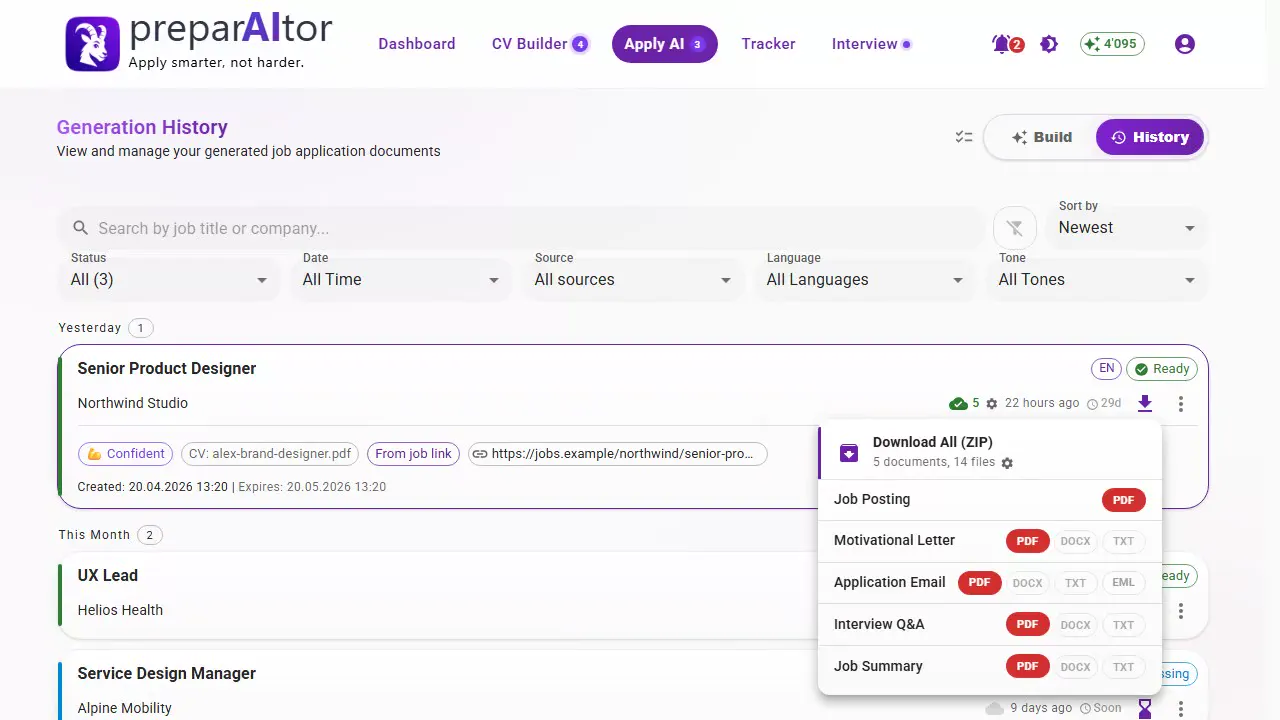
One job posting turns it into the full application — cover letter, application email, interview questions and a job summary. Then practise the interview against that same posting, and keep every application tracked for a year.