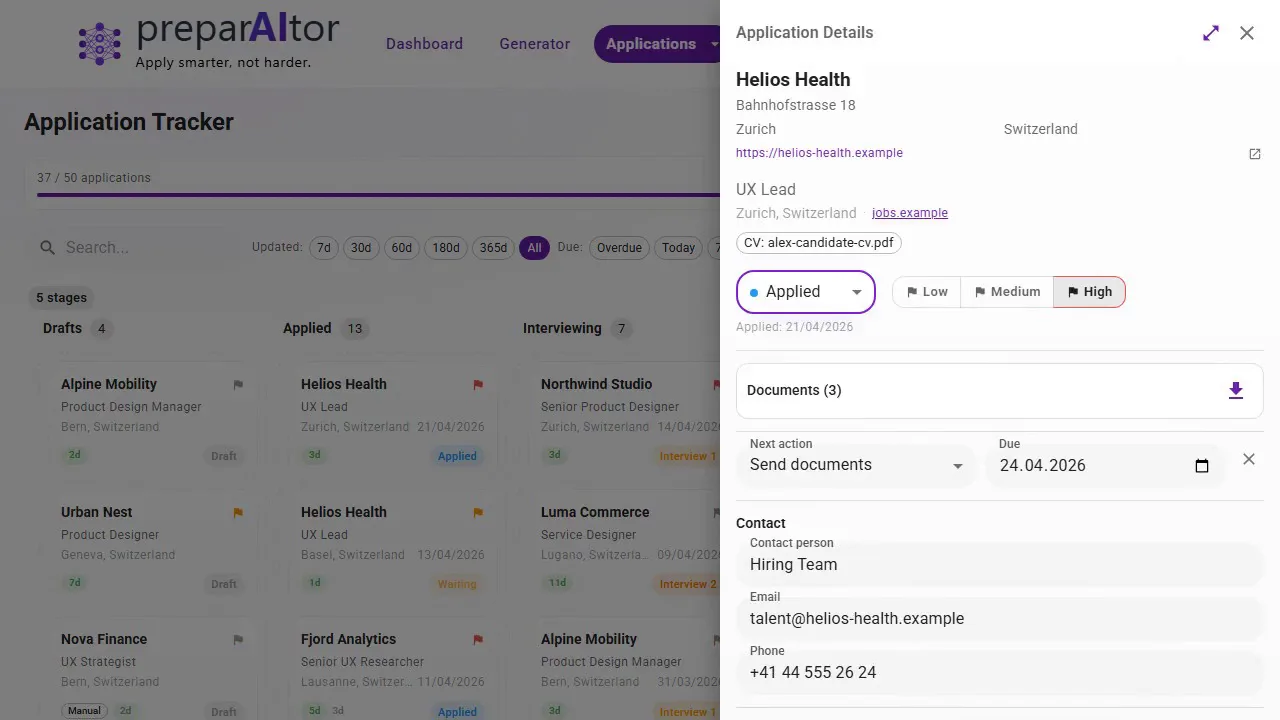
Ten stages, from applied to offer
Applied, waiting, follow-up, first interview, second interview, offer, accepted, rejected, withdrawn. Which is exactly what the form wants under "outcome" — including the reason for a rejection.
The 5th comes round every month
The RAV job-application form wants every application you made last month — date, company, contact, outcome. On the 4th you are going backwards through your sent folder trying to remember all of it.
Every application is recorded when you send it — date, company, contact person, workload, channel, outcome. At the end of the month you export the period as a PDF or a spreadsheet and copy the proof across, instead of reconstructing it.
No credit card required · 2 complete applications free
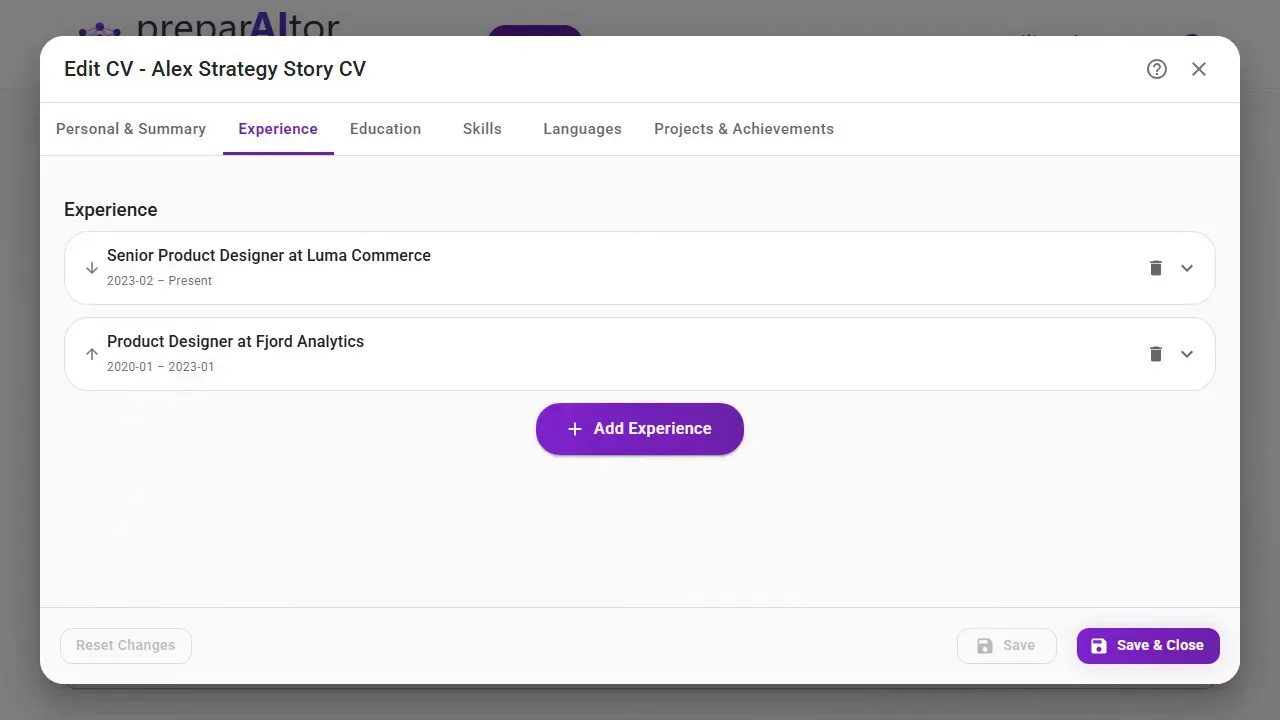
Upload a PDF, or build one in the CV Maker from a ready profile. Building, editing and exporting it as a PDF costs nothing on every account. After that the same CV is reused for every application.
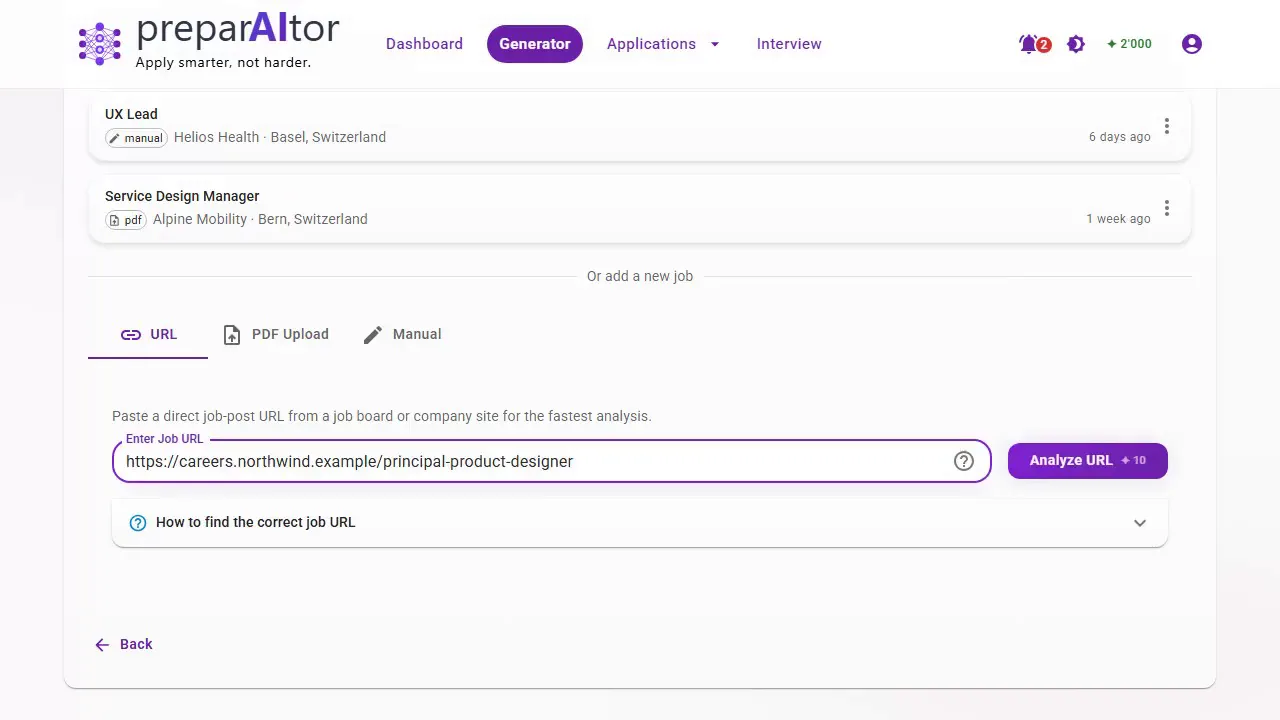
A link, a PDF or plain text. The posting is read for you and the company details filled in — and the application it produces carries the date, the company, the role and the channel from the moment it exists.
In the tracker, pick the period — last 30 days, or your own from-and-to — and download it as a PDF or a spreadsheet. One row per application, carrying the details the RAV form asks for. The export costs no credits and is on every account.
The monthly form is not really writing work, it is remembering work. So it is recorded when you apply, not gathered at the end of the month.
Applied, waiting, follow-up, first interview, second interview, offer, accepted, rejected, withdrawn. Which is exactly what the form wants under "outcome" — including the reason for a rejection.
Job adverts disappear the moment the role is filled. Yours is archived as a PDF and stays attached to the application — useful when the RAV asks to see documents weeks later, and again the night before an interview.
Filter by date range and status; dates are already written dd.mm.yyyy. The spreadsheet opens in Excel or Google Sheets, the PDF prints. It costs no credits and is not tied to any purchase.
Name, phone number, email and the company address sit with the application rather than in a second document. These are exactly the fields nobody still has in their head four weeks later.
Every phone call, name and promise can be attached as a note, with a date for the next action that is flagged in the board once it is overdue — useful for chasing, and for the advisor meeting.
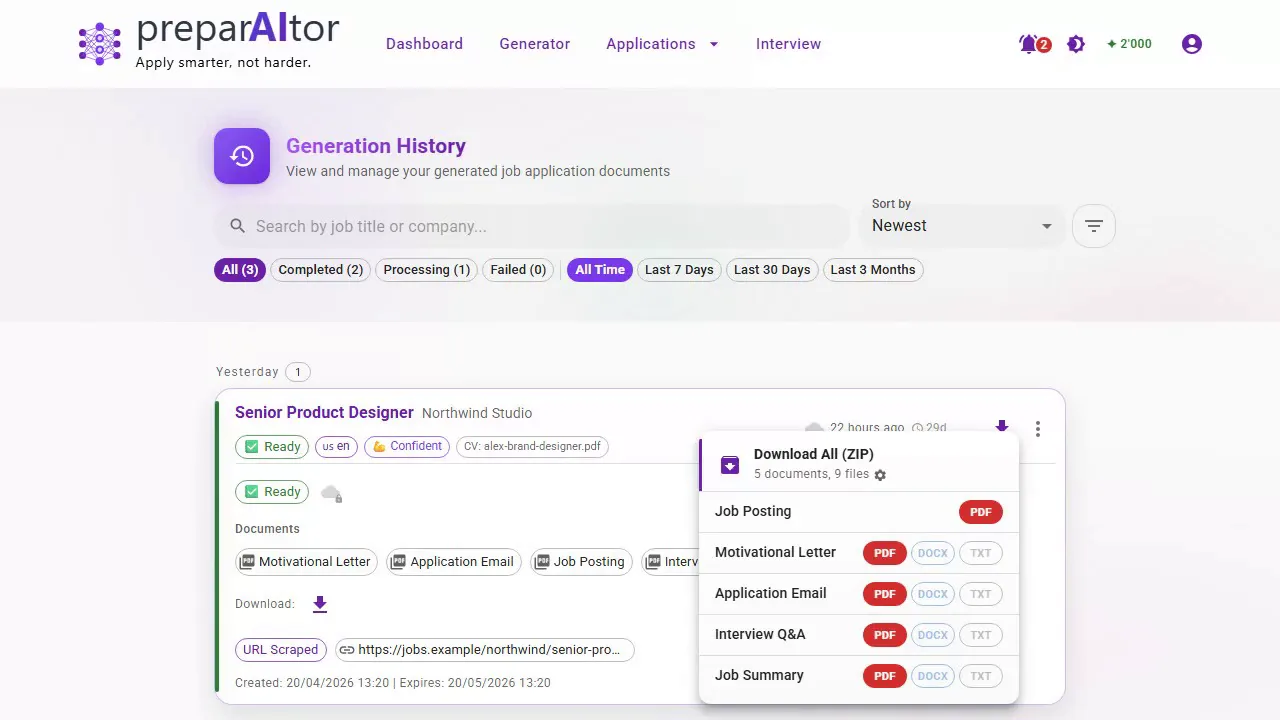
Connect Google Drive or OneDrive and every generation is also filed into your own storage, named and sorted. Included for every account.
The RAV job-application record — the monthly form where you list every job you applied to, officially the "proof of job-search efforts", Form 716.007 — wants one row per application. This is what your export already carries.
| RAV job-application form (716.007) | In the export |
|---|---|
| Date of application | Applied date, written dd.mm.yyyy |
| Company, address | Company with street, postcode, town and country |
| Contact person, phone number | Contact person and phone number |
| Position (job title) | Job title |
| Workload (Pensum) | Workload as a percentage |
| Application channel | Method — electronic, in person or by phone |
| Outcome | Status, from applied through to offer or rejection |
| Reason for rejection | Rejection reason, where you recorded one |
| RAV-assigned vacancy? | Not exported — you fill this in on the form |
To be clear: preparAItor does not produce or replace the official RAV job-application form (716.007). What you submit is still that form, signed, or the Job-Room eService — this is your own record, in the fields that form asks for, so you can copy it across or attach it. How many applications are expected, and what counts as sufficient proof, is agreed with your RAV advisor and differs by canton. The deadline is the 5th day of the following month.
Cover letter, CV and job summary from one run — for a fictional candidate and a real Swiss posting. Open any of them at full size.
Cover letter
CV · Card Header
Job summary
Example output for a fictional candidate, generated end to end by preparAItor from a publicly available easyFairs job posting. Source: easyFairs Switzerland GmbH. This is a demonstration, not a real application — preparAItor is not affiliated with or endorsed by easyFairs.
You can load an example job and walk the whole flow through once before you apply anywhere — that costs no credits. What gets generated afterwards counts like any other application — two of those are free before you need credits.
It can be. The difference is not the spreadsheet — it is whether it is complete on the 4th, and what else happens alongside it.
Start free, with no payment details: room for 300 applications in the tracker — years of monthly proof — with export and cloud filing included on every account. When your free runs are used up, credits from CHF 3.90: pay once, they never expire, no subscription.