Cover letter and application email
The letter, plus a ready-to-send email with subject and body. The email also comes as a draft file with your documents already attached, which opens straight in Outlook or Apple Mail — on every account.
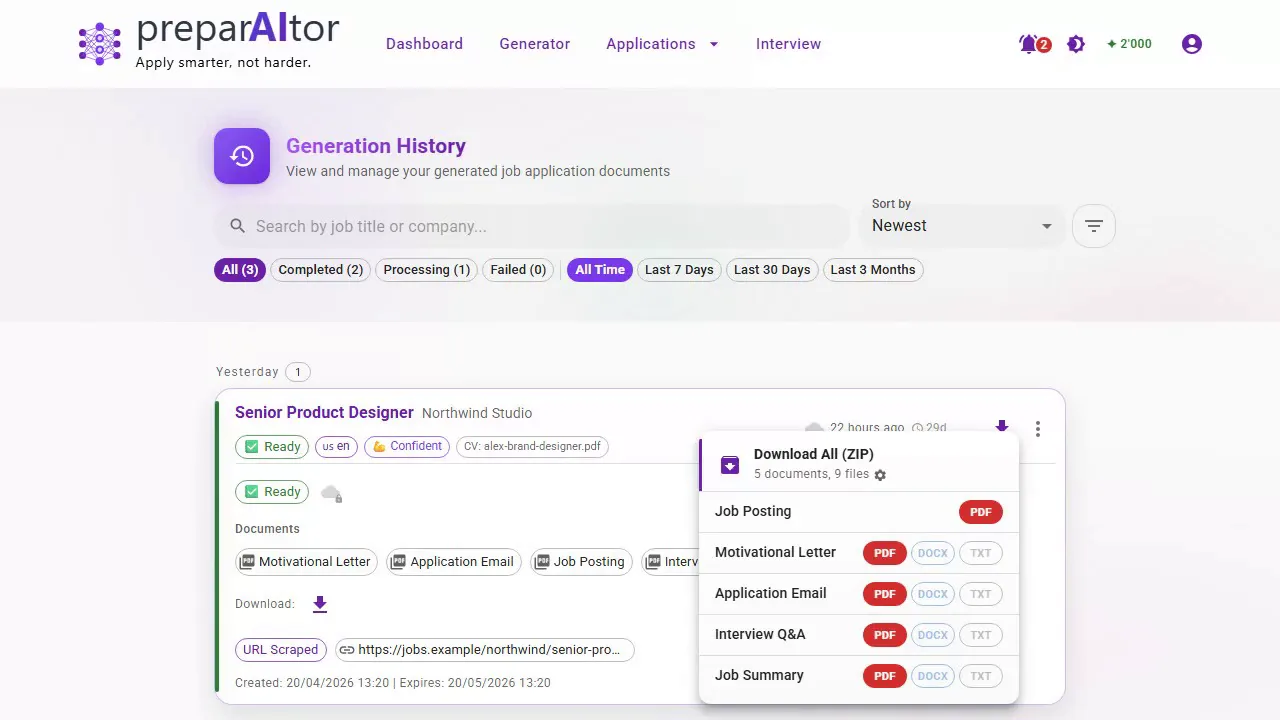
An application is never just one document.
Paste a posting and you get the letter, the e-mail and interview questions — all written for this role. The posting is saved, the application tracked for a year.
No credit card required · 2 complete applications free
“… particularly my proficiency in developing target group-oriented content for digital communication and my ability to manage website content effectively.”
Plus the e-mail, interview questions, a summary and the saved posting — all from the same posting.Upload it as a PDF or Word file, or build one in the CV Maker, which is free to use. After the first time it is stored and reused for every application that follows.
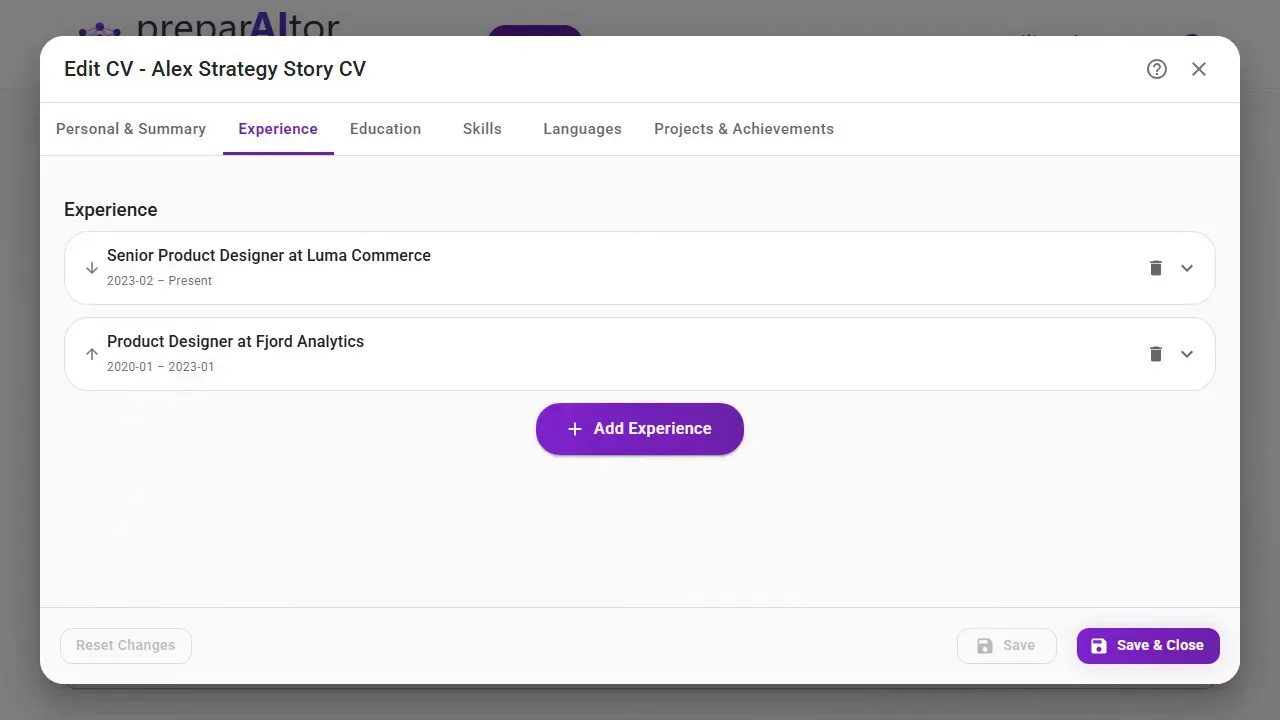
A link, a PDF or plain text. The requirements are extracted and the company details are enriched automatically.
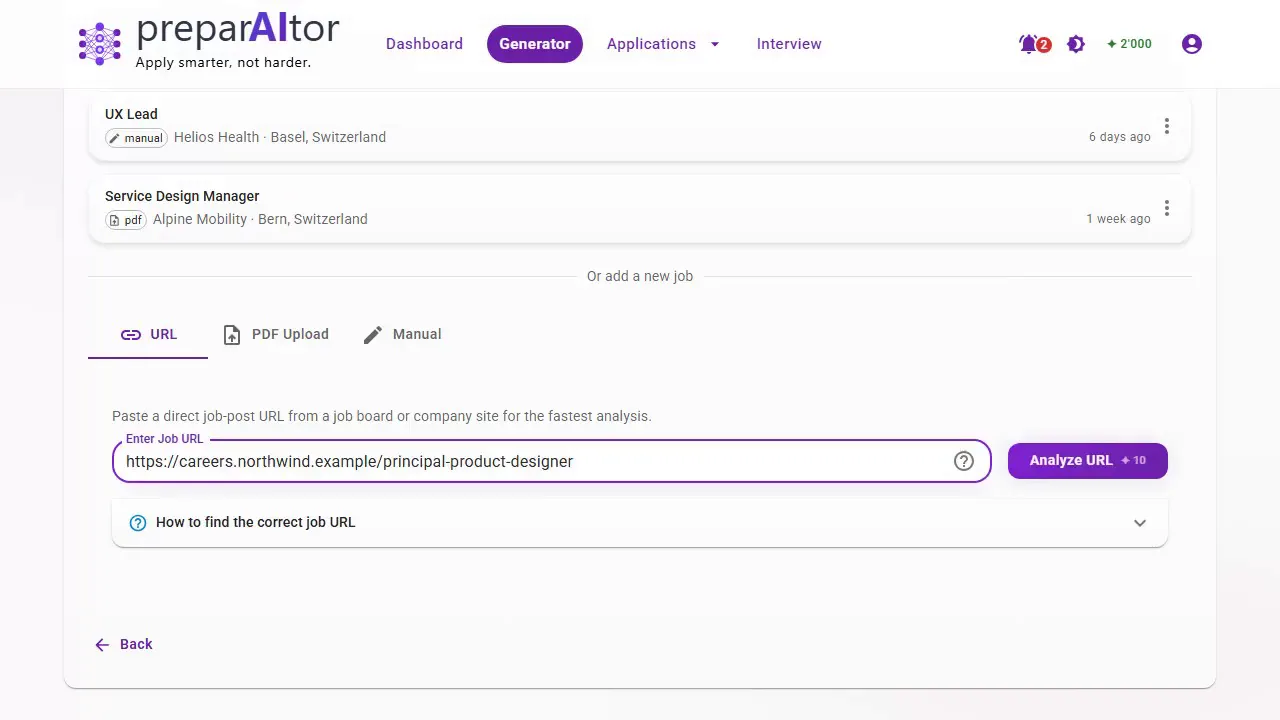
Five documents arrive together, all written against the same posting. Take them individually or as a single ZIP.
Step 3 · Download the package
Five documents from one run, billed as one run. They cost the same together as a letter on its own would.
The letter, plus a ready-to-send email with subject and body. The email also comes as a draft file with your documents already attached, which opens straight in Outlook or Apple Mail — on every account.
A structured overview with enriched company details, and the original advert kept as a PDF. Postings disappear once they are filled; yours is still readable the night before the interview.
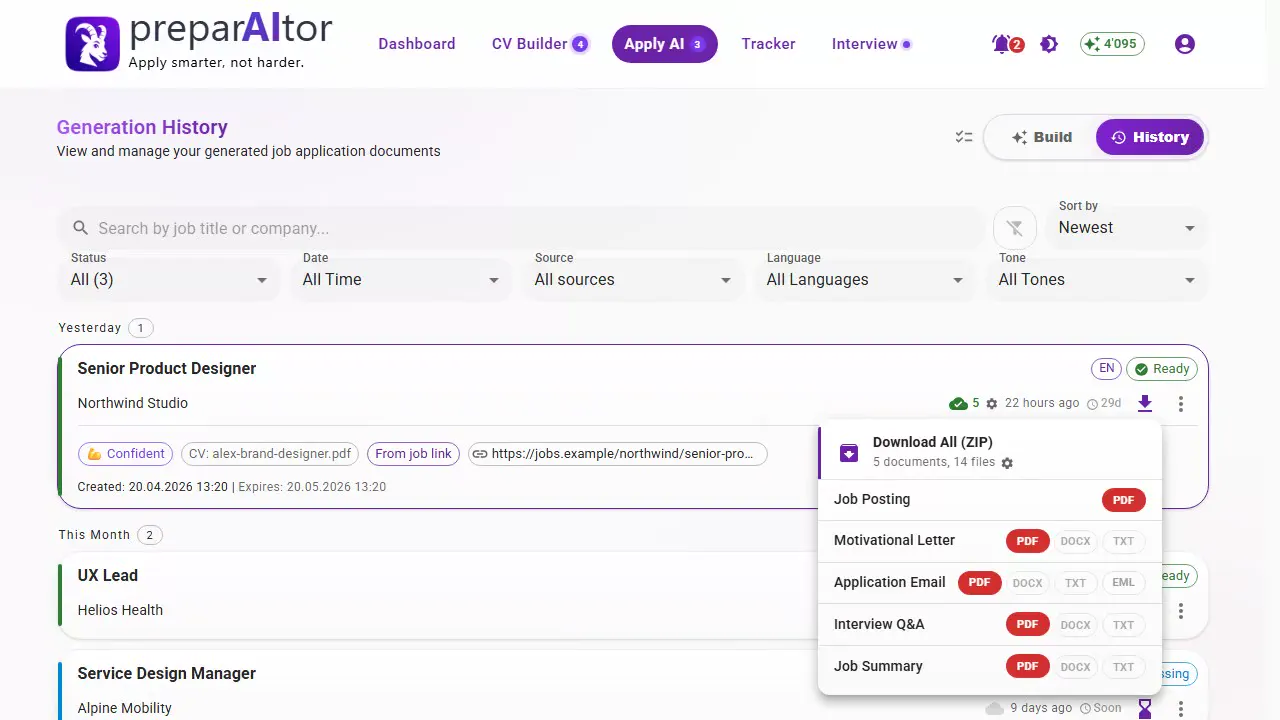
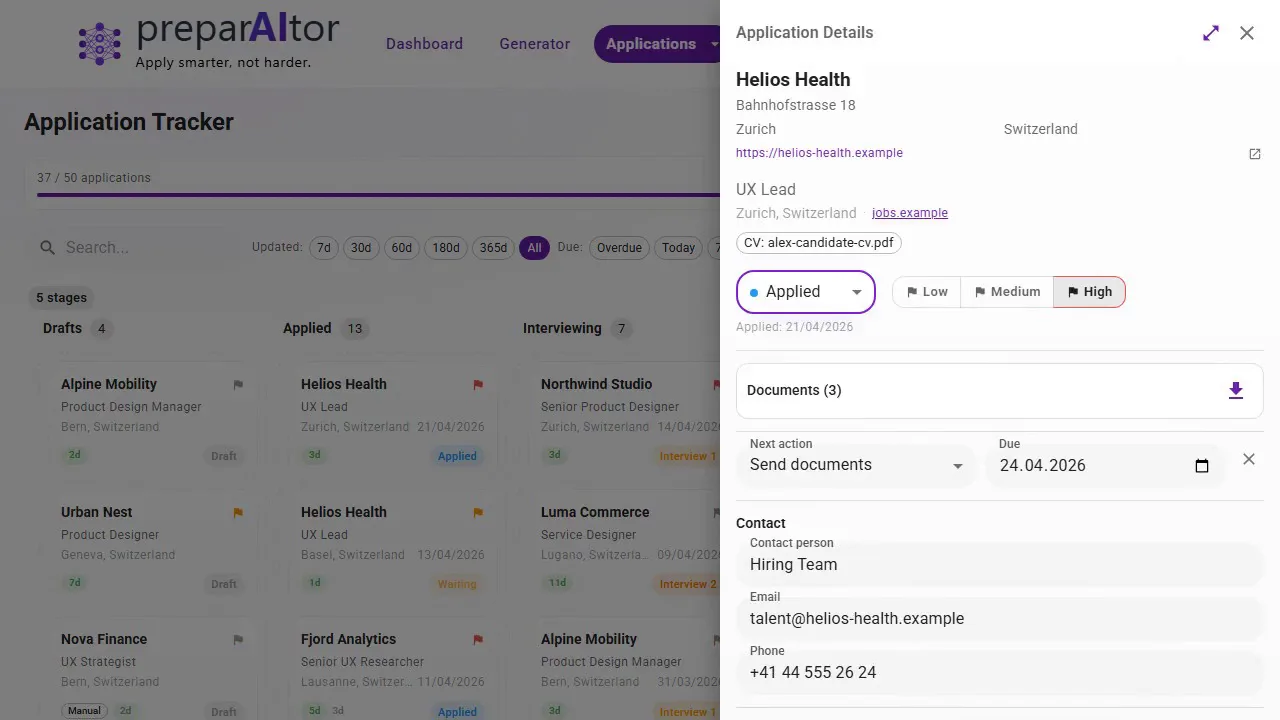
Every application lands in the tracker: ten status stages from applied to offer, contacts and notes per entry, follow-up dates, and the archived posting attached to each one. Kept for a year, and the clock restarts whenever you touch an entry. Room for 300 applications, on every account.
Written against the specific role you just applied for, with suggested answers — not a generic list you could have found anywhere.
Download your applications as a PDF or a spreadsheet, filtered to whatever date range you need — applied date, company and address, contact and phone, role, workload, how you applied, status, and the reason for any rejection. Costs nothing and needs no purchase.
Connect Google Drive or OneDrive and every generation is filed into your own cloud storage automatically, named and sorted, without downloading anything. Included for every account — connect it once and it just files itself.
Every document a single run produced for a fictional candidate and a real Swiss posting. Open any of them at full size.
Cover letter
CV · Card Header
Job summary
Interview prep
Archived posting
Application email
Example output for a fictional candidate, generated end to end by preparAItor from a publicly available easyFairs job posting. Source: easyFairs Switzerland GmbH. This is a demonstration, not a real application — preparAItor is not affiliated with or endorsed by easyFairs.
Adding an example job is free and costs no credits, so you can see exactly what the run produces before you hunt down a real vacancy. Generating the five documents from it counts the same way any application does — and two of those are free.
A fair question, and the answer is not that it writes badly. It is that it starts from nothing every time, and an application is more than one document.
The same goes for Claude, Gemini, Copilot or Perplexity — this is not about which one writes best, but about what a tool remembers between one application and the next. Training defaults vary by product and plan, and most let you opt out.
Every account starts with 2 complete applications, with no payment details. When you're serious, credits from CHF 3.90 — pay once, they never expire, no subscription. Word export, cloud sync and room for 300 applications in the tracker are already included, free.